Open World Survival Craft
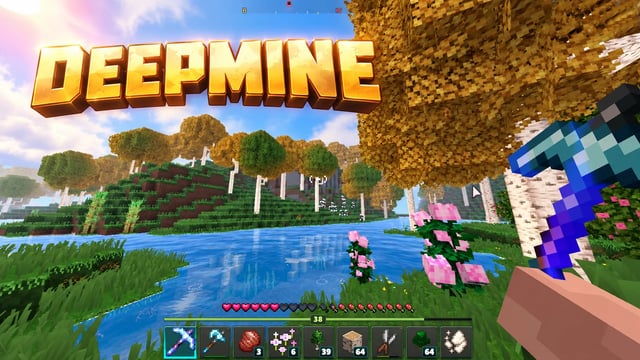
DeepMine is a large-scale 3D sandbox where players explore a living block-based world and choose their own playstyle. The game blends the familiar freedom of Minecraft with the energy of Roblox, while adding its own mechanics, quests, and discoveries that make every session feel like a new adventure. 🌍 Explore different biomes, discover new places, and interact with the environment. ⛏️ Gather resources, collect items, and craft tools and equipment. 🧱 Build houses, bases, and your own structures while gradually developing your world. ⚙️ The game combines open-world exploration, building, survival, and clear progression through resources, inventory, and crafting. 🎮 DeepMine is made for players who enjoy freedom, creativity, long play sessions, and steady world-driven progression.
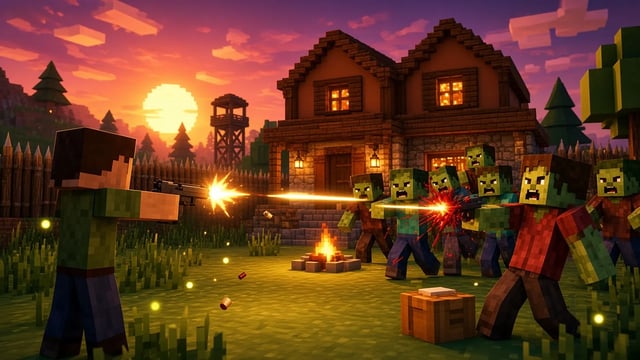
Scavenge by day. Build your shelter. Survive the night. Just Survive is a single-player, open-world survival game on a low-poly island overrun by zombies. Explore a small town, an old farm, an abandoned warehouse, a seaside pier and a water tower. Search for food, medicine and weapons, chop trees and mine rocks, then turn your supplies into tools, ammunition and armor. Build a base with foundations, walls, doors and roofs. Cook at a campfire, craft at a workbench and prepare for zombies that become more dangerous after dark. Switch between first-person and third-person views as you explore, fight and build. Play with keyboard and mouse on desktop or touch controls on mobile. Progress saves automatically in your current browser. CONTROLS WASD / Arrow keys: move. Shift: sprint. Space: jump. Mouse: look. Left click: attack or use an item. Right click: aim. E: interact or pick up. R: reload. I / Tab / K: inventory and crafting. J: quests. B: build mode. V: switch camera. 1–6: select a hotbar slot. Esc: release the mouse or close a panel. On mobile, use the left joystick, swipe the right side to look and tap the on-screen action buttons.